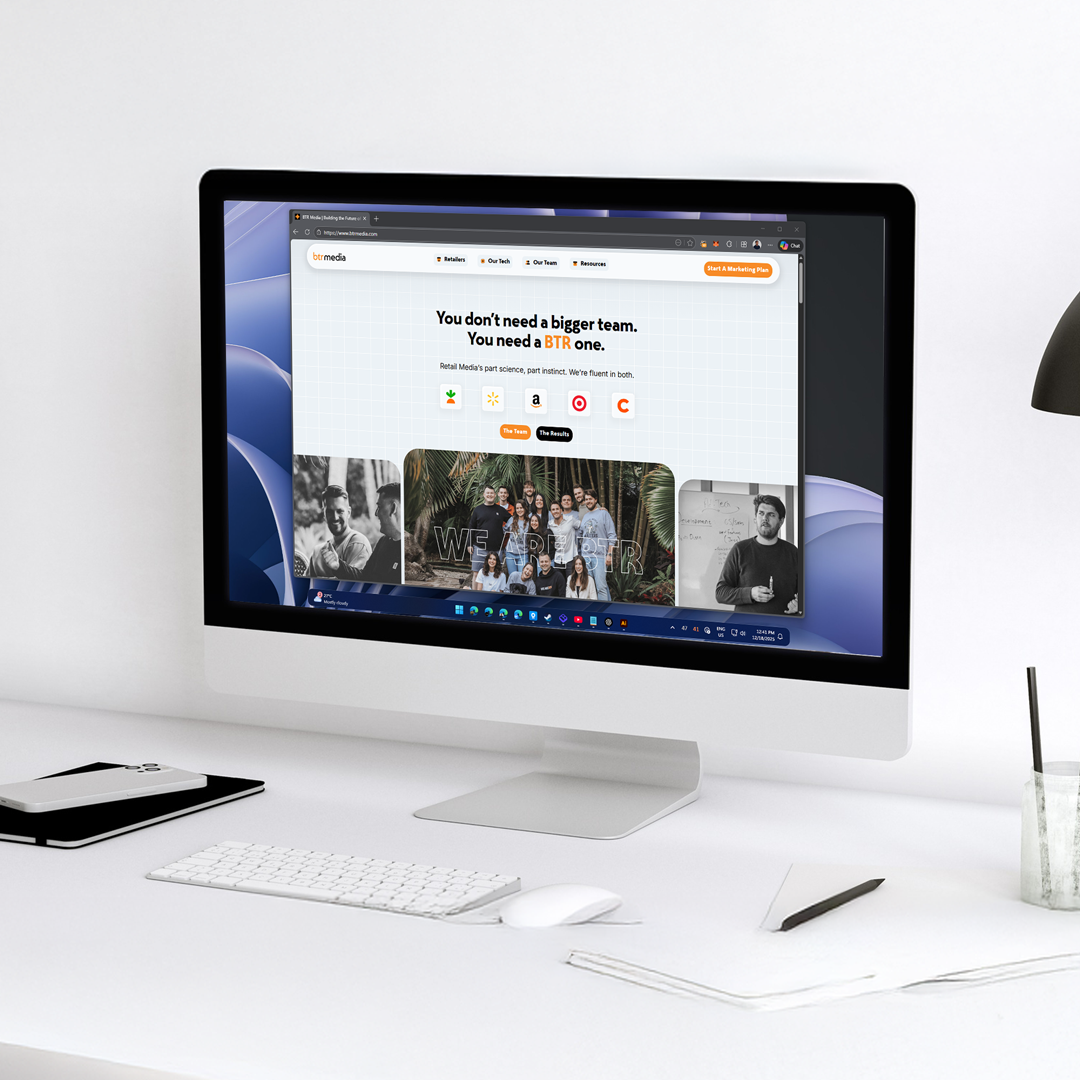
BTR Media Website Refresh: A Story of How I Conquered Figma
As a graphic designer, I am always aware of how broad the selection of design tools is. Most of the time I spend designing has been on Adobe’s suite of tools, mainly Illustrator and Photoshop, and that has been the case for more than half of my career.
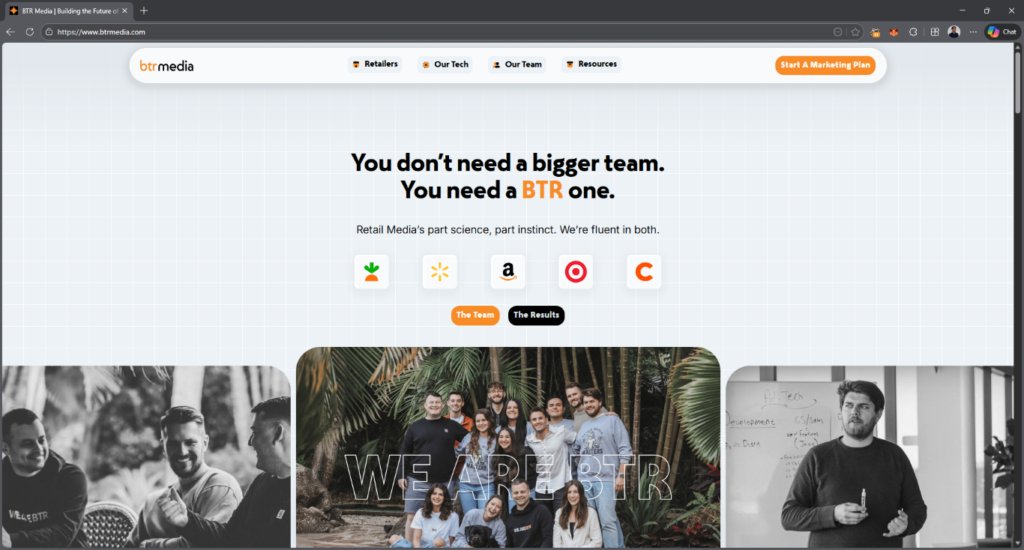
Over the past two years, things have started to change. Canva has begun taking up more of my workflow, and Figma has slowly become a serious contender. Before the end of 2025, BTR Media handed me one of the biggest projects I have ever worked on: a full refresh of the entire BTR website.
I had used Figma before for side projects such as HTML emails and basic graphic design tasks, but never for a full website. My confidence in using the tool was fairly low, and taking on this project felt like stepping onto the tip of an iceberg. Still, I enjoy challenges, so I pushed forward.
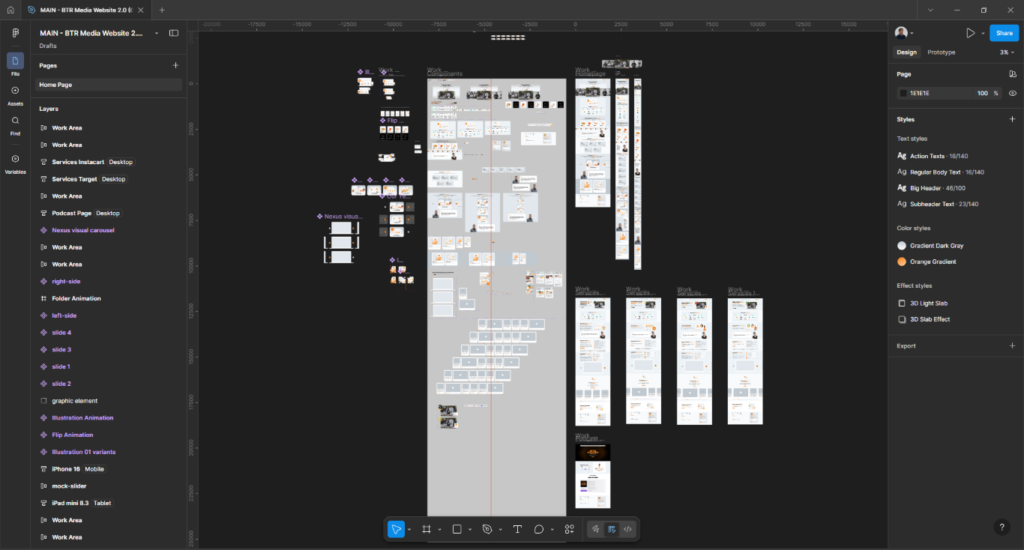
I watched a lot of tutorials online and navigated a few challenges along the way, but I genuinely enjoyed the process. Before I knew it, the website started to take shape. I learned a lot, especially how to properly use and appreciate Figma’s auto layout feature. I experimented with components and began to understand how powerful the tool really is.
The organization of elements within Figma was admittedly messy, as I did not yet have a clear system in place. That is something I plan to improve moving forward. Still, the experience was fun, especially when working with animations. While Figma is somewhat limited in terms of animation, it helped keep everything clean, simple, and effective.
In the end, the BTR Media website refresh was a success. What started as a daunting challenge became a rewarding learning experience that pushed me beyond my comfort zone. This achievement was made possible with the support and collaboration of the BTR Media team whose feedback and expertise played a key role throughout the process and the developers who did an outstanding job of turning the design into a live website. The project strengthened my confidence in using Figma and expanded my approach to web design as a whole. Looking back, I am proud of the outcome and excited to take on even bigger projects using the skills I gained along the way.